

A clear, practical comparison for modern E2E testing
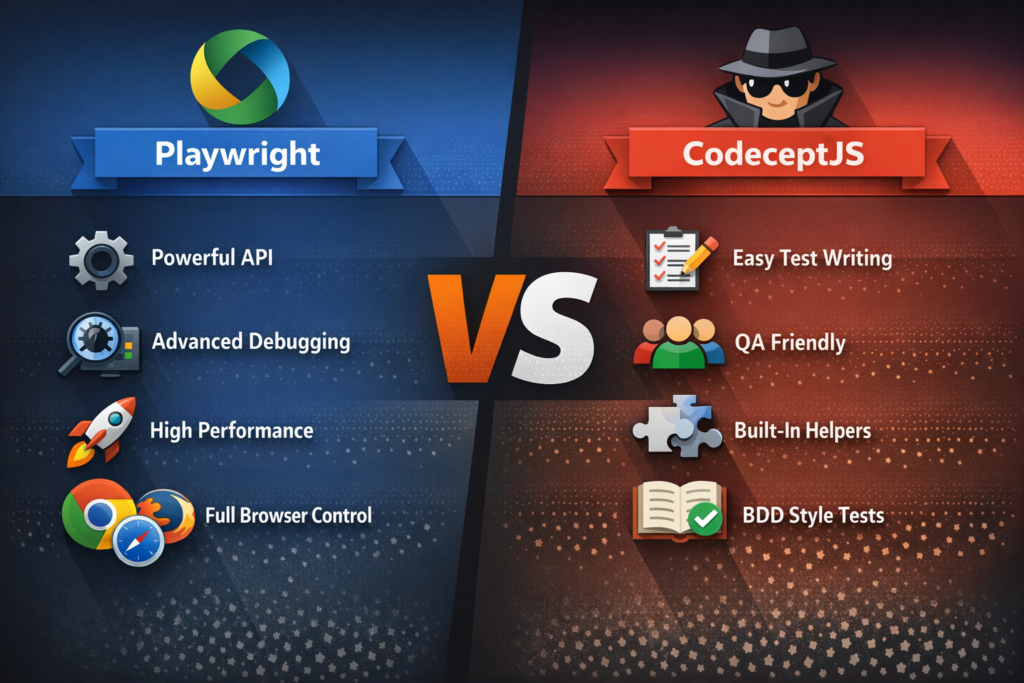
End-to-end testing is table stakes now. Two big options you’ll hear about are Playwright and CodeceptJS. Both help you automate full user flows in browsers. But they take very different approaches.
For clarity, Playwright is a test automation library from Microsoft. CodeceptJS is a framework that can run on different drivers (WebDriver, Puppeteer, Playwright).
Let’s break down the real pros and cons.
BDD (Behavior-Driven Development) is a way to write tests in plain language that describe how the system should behave from the user’s point of view.
What They Are
Playwright
Playwright is a modern browser automation platform. It drives Chromium, Firefox, and WebKit reliably and fast. It gives you APIs for actions, network, frames, etc.
CodeceptJS
CodeceptJS is a BDD-style framework that wraps underlying drivers (including Playwright). It gives you high-level commands like I.click(), I.see(), test structure, helpers, plugins.
Pros & Cons
API & Style
Playwright Pros
- Modern, explicit API (no magic)
- Full control over execution flow
- Great TS/JS support
- Auto-waiting built in
- Powerful network & browser context tools
Playwright Cons
- More boilerplate than CodeceptJS
- Requires writing your own abstractions
CodeceptJS Pros
- Very high-level, readable syntax
- Minimal code to express tests
- Encourages clean test writing
- Has helpers/plugins out of the box
CodeceptJS Cons
- Magic can hide what’s happening
- Harder to debug under the hood
- Helpers sometimes inconsistent behavior
Test Structure & Maintainability
Playwright
You structure tests however you want. You get the power, you take the responsibility.
Good for teams that want control and standard patterns.
CodeceptJS
Super readable (I.login(), I.click()), ideal for non-dev QA.
Great for BDD or teams where readability matters most.
But abstraction sometimes makes refactoring harder.
Debugging
Playwright
- Precise control makes failures clearer
- trace, screenshots, video all built-in
- You see exactly what API call did what
CodeceptJS
- Abstraction makes root cause less obvious
- Debug modes help, but you sometimes need to drop into driver debug
Winner: Playwright.
Performance
Playwright is fast. It’s built with speed in mind, handling waits, contexts, and parallelism well.
CodeceptJS depends on driver choice. With Playwright helper it’s close, but still some overhead.
Learning Curve
Playwright
- Medium learning curve
- Needs JS/TS proficiency
- Good docs
CodeceptJS
- Very easy to start
- Descriptive syntax
- Low barrier for non-technical QA
If you want team adoption fast, CodeceptJS wins.
Ecosystem & Tooling
Playwright
- Strong ecosystem
- Browser coverage is excellent
- Test generator, CLI, reporters
- Works with Jest/Mocha/others
CodeceptJS
- Plugins help
- Reporting, retry, steps
- Not as rich as Playwright’s ecosystem
Playwright is more future-proof.
Flexibility
Playwright gives you full browser control:
network stubbing, context isolation, multiple tabs, cross-browser in one flow.
CodeceptJS is more about test actions. If you need custom flows, you end up writing raw Playwright code anyway.
When to Choose What
Pick Playwright if
- You want raw power and precision
- You write complex tests
- You want built-in tracing + debugging
- Your team is comfortable with JS/TS
Pick CodeceptJS if
- You want simple, readable test definitions
- You have non-dev testers
- You value speed of writing tests over control
- You like BDD style
Bottom Line
Playwright is a toolkit. CodeceptJS is a framework built on top of drivers.
Use CodeceptJS for readability and fast onboarding. Use Playwright for control, performance, and deep testing features.
If you outgrow CodeceptJS’s simplicity, you’ll switch to raw Playwright eventually.